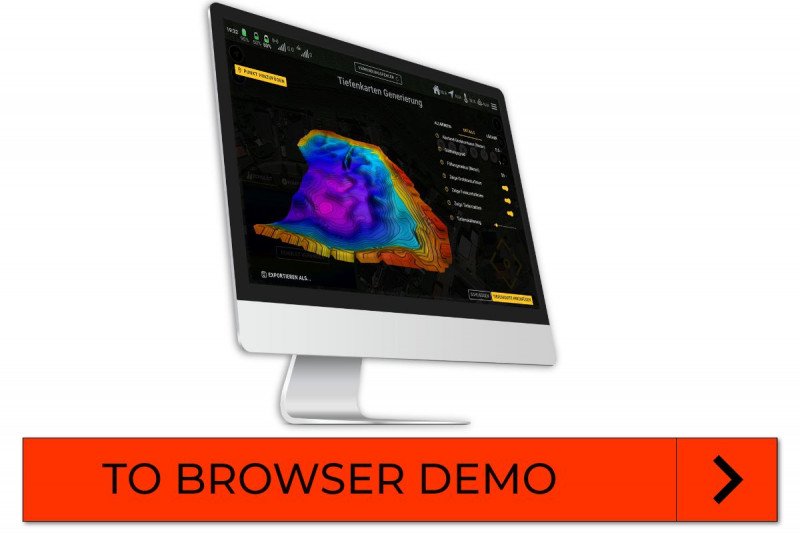
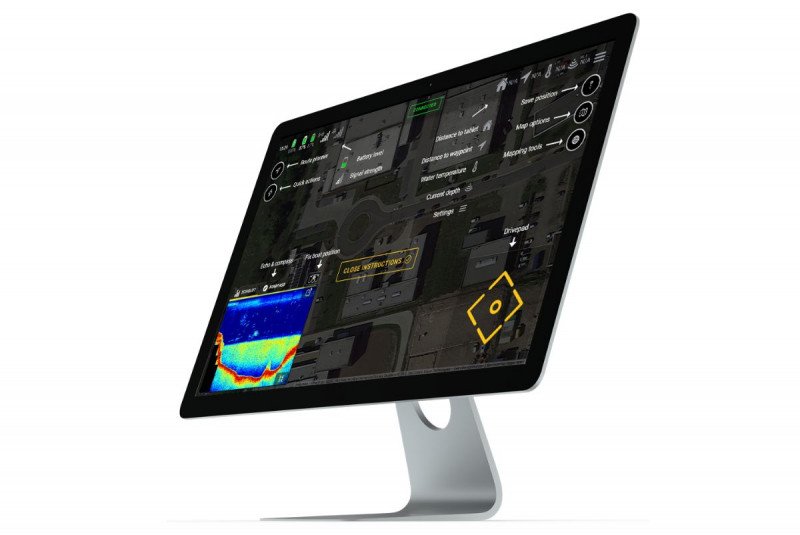
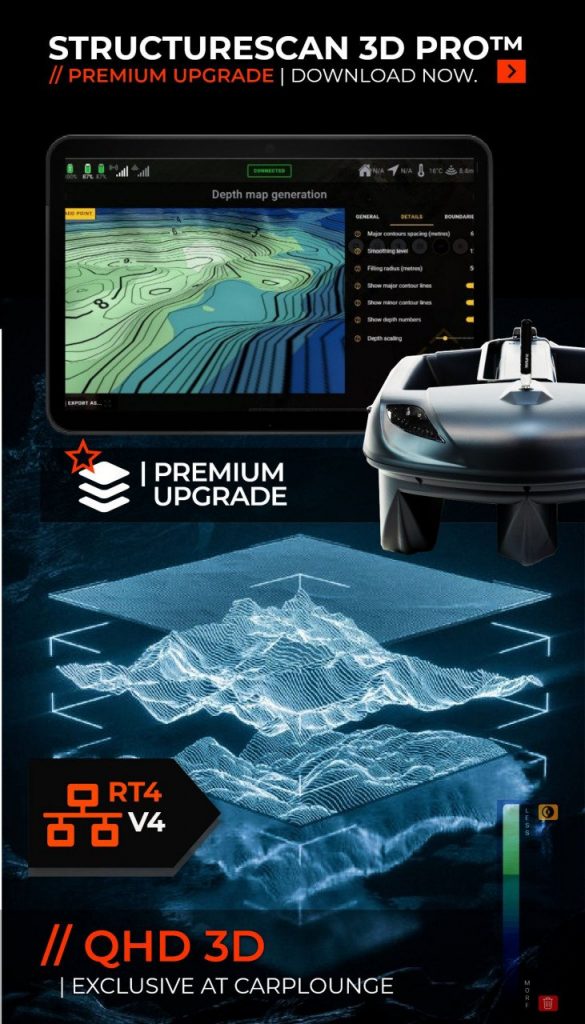
YOU WANT TO HAVE A LOOK AT OUR V4-APP AND TRY OUT THE MANY FEATURES YOURSELF?
JUST IN TIME FOR THE NEW TUTORIAL SERIES, YOU CAN NOW FIND THE FREE BROWSER VERSION OF OUR APP ON OUR WEBSITE AND USE THE TIPS AND TRICKS FROM THE VIDEO TUTORIALS TO IMPROVE YOUR KNOWLEDGE.
DIRECTLY ON PC! NO INSTALLATION, NO REGISTRATION &SELF EXPLANATORY AND FOR FREE!
NOTE: Add 3 Videos Here
IMPORTANT INFO: BROWSER DEMO
Unlike in the actual app from the Playstore, some features do not work or features do not work or work differently in the Browser Demo:
– Browser Demo currently does not work on mobile devices, but only on desktop PCs and larger tablets. – Screenshots of the echo screen are downloaded when they are created and cannot be viewed in the app. – Track recordings are possible, but cannot be used for map generation. – Winchcam support is limited to the display in the browser, the Winchcam itself is displayed as “Connected” in the browser. – Winchcams are always displayed as disconnected in the browser. – Tablet location is loaded via the browser API and still shows the device location if possible – The simulator mode starts automatically and shows the status “Connected” directly – The start position of the map is Carplounge HQ / under Testsee in Krefeld (if location permission) – The initial boat position is directly with us on the test lake (also works with other features, e.g. “boat as centre”). – The mapping test data is available from our test lake
AUTOPILOT V4 // TUTORIAL SESSION
Already had a look?
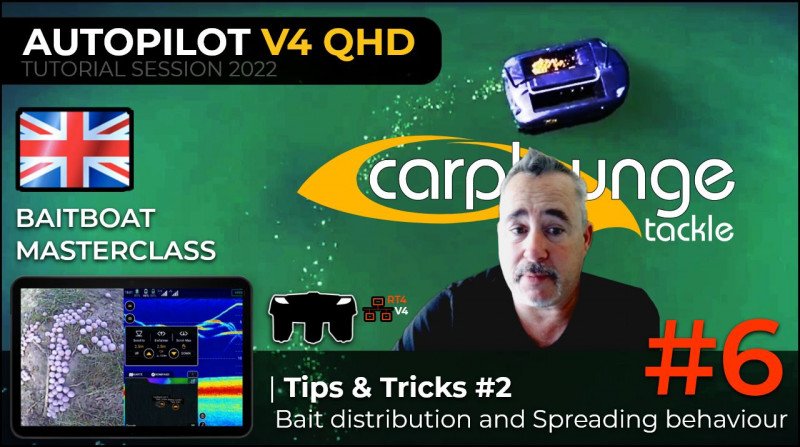
PART 6 | Tipps & Tricks #2 – Bait distribution and Spreading behaviour
In our weekly APV4 Live Tutorial series, we show you the many new features of our V4 APP, explaining each function step by step and answering your questions directly live.
NOTE: Add 2 Videos Here
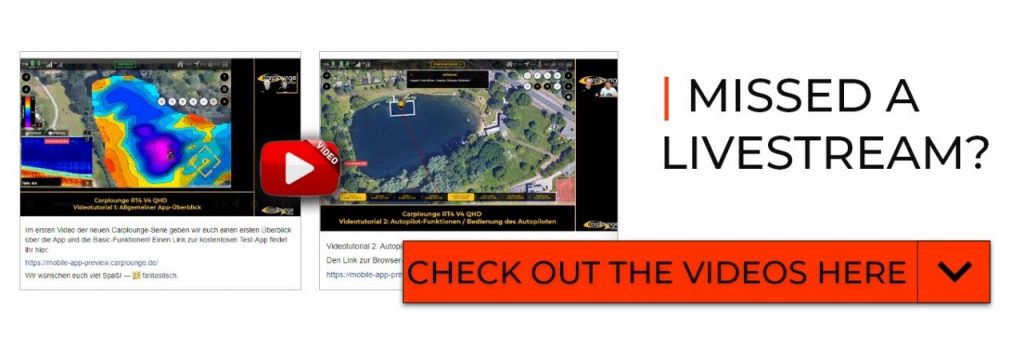
You don’t want to miss a tutorial anymore?
Every week we update this page with a new Facebook video tutorial – want to join us live? You can find the topics in the roadmap!
ROADMAP | TUTORIAL DATES
| General app overview and explaining the basics | Autopilot functions / operating the autopilot | Echo sounder features and explanations | Mapping (generating data) | Depth Map generation, Map interpretation | Tips/Tricks/Advanced General
Add Newsletter
Cookie Guidelines
This website uses cookies to provide you with the best possible functionality. If you do not agree, the following functions are not available to you: